Learn what photo-based plant identification can and cannot tell you, how to take a useful plant photo, and how to check AI suggestions before acting on them.
Informational Purposes Only
The content published on this blog — including plant care advice, disease identification, treatment recommendations, and lighting or fertilizer guidance — is intended for general informational and educational purposes only. It is not a substitute for advice from a qualified horticulturist, botanist, or plant care professional.
Some articles may incorporate AI-assisted analysis. While every effort is made to ensure accuracy, Botanical Wiz makes no warranties regarding the completeness or suitability of any information for your specific plant or environment. Always use your own judgment, and consult a plant specialist when in doubt. Botanical Wiz is not liable for any loss or damage arising from reliance on content found on this site. See our full Terms of Use and Privacy Policy.
Prepared with assistance from Penny, an AI writing assistant, and edited for Botanical Wiz. This article offers general plant-care information, not a guaranteed identification or diagnosis.

A mystery plant can turn a quick look around your home into a small detective story. A plant identification app can help you get started: take a photo, see possible matches, and learn what to check next. But results depend on the photo, the plant, and the app’s information, so it helps to know what these tools can and can’t do before you download one.
Here’s how photo-based plant ID works, what to look for in an app, and how to get more useful results.
How does a plant identification app work?
Most photo-based tools use image recognition. When you upload a picture, the app looks for visible features such as leaf shape, edges, veins, and how leaves grow along a stem. Flowers, fruit, and the overall shape of the plant can also help it narrow down possible matches.
Depending on the system, it may compare those features with reference images or use a trained AI model to return one or more likely plants. Some apps show a confidence score or a ranked list of matches. Treat those as helpful clues, not proof. A score can indicate how strongly a system favors a suggestion, but it doesn’t guarantee that the name is correct.
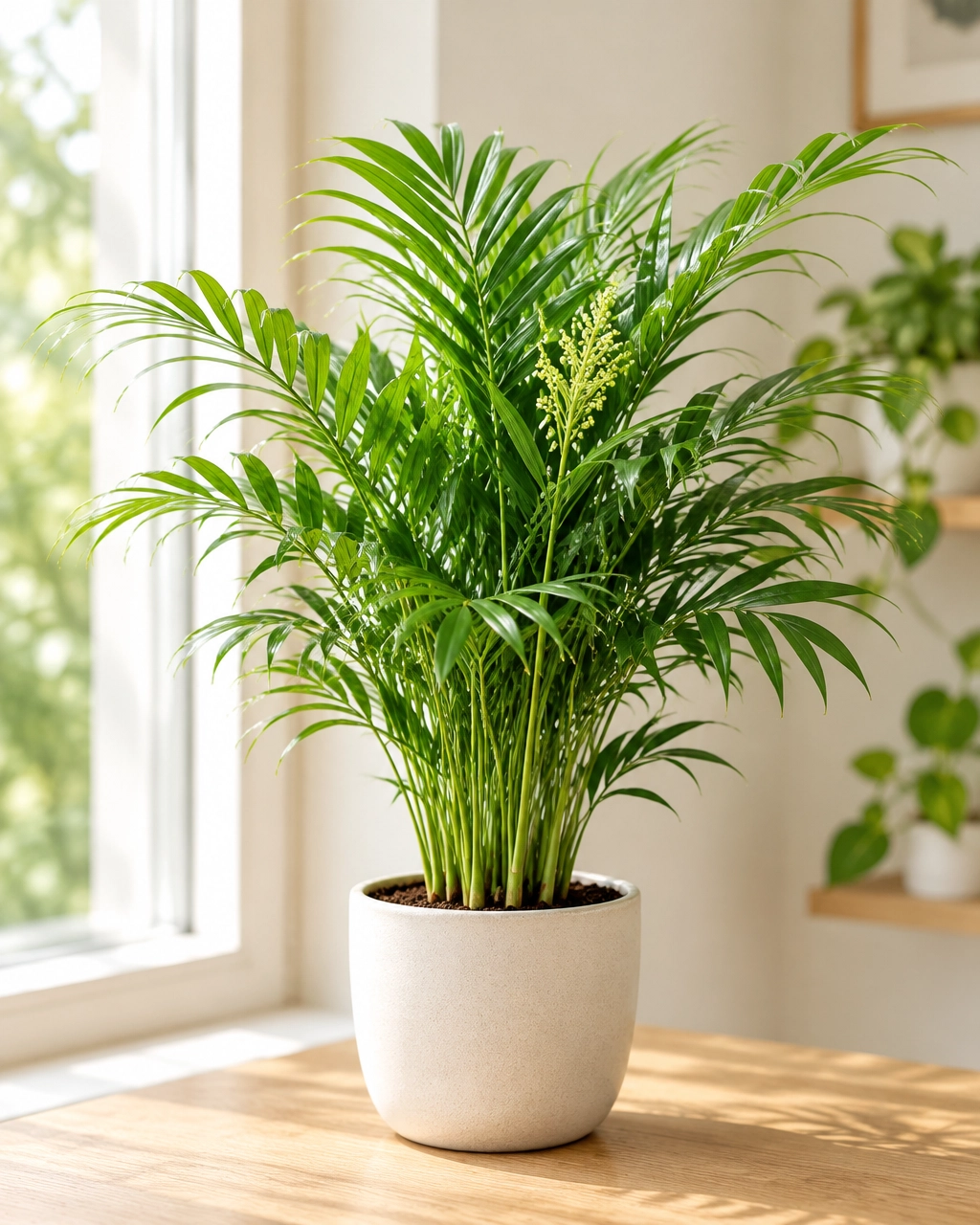
A photo can’t always show everything needed for a certain identification. Two plants may have similar leaves, while the details that distinguish them appear in their flowers, mature growth, or other features. That’s why an app may suggest several possibilities, or give a broad identification instead of a precise species name.
Research shows that image-based identification can be useful, but results vary. In a 2021 field study of Flora Incognita in Estonia, researchers reported correct species identification in 85.3% of field observations. This was not a test of Botanical Wiz. That finding applies to the app, plants, and conditions tested, not to every plant identification app or every photo. Read the study.
What to look for before you download
Not every plant ID app is built for the same purpose. Some focus on identifying wild plants; others add care guidance, health checks, or tools for choosing plants for your home. Compare the features that matter for the way you plan to use it.
- Useful species coverage: Check whether the app covers the kinds of plants you want to identify, from common houseplants to outdoor species.
- Clear results: Look for common and scientific names, alternative matches, and confidence information where available.
- Good photo guidance: Helpful prompts can show you how to take a clearer image or which part of the plant to photograph.
- Practical next steps: If you mainly care for houseplants, care tips and health troubleshooting may be just as useful as a name.
- Straightforward access and pricing: Check whether you need an account, how many free scans are included, and what an optional upgrade costs.
- Transparent privacy details: Review how the app handles uploaded photos and whether it requests location or other personal information.
It’s also worth asking what you need from a result. If you’re curious about a plant on your windowsill, a likely match may be enough to explore further. If you need to make a safety, medical, or scientific decision, an app result alone is not enough.
Take a better photo in four steps
A sharper, simpler photo gives an identification tool more useful detail to work with.
- Choose good light. Photograph the plant in soft daylight. Avoid deep shadows, glare, and strong flash.
- Focus on one plant. Keep other plants and busy backgrounds out of the main frame when possible.
- Show useful details. Include leaves and stems. If the plant has flowers or fruit, take a clear photo of those too.
- Check focus before you upload. Tap to focus on the plant, hold your phone steady, and make sure the important details aren’t blurry.

Botanical Wiz’s plant identification tool accepts a photo you upload or take with your camera. For best results, its photo tips also recommend natural light, a view that includes leaves and stem, and a clear image without heavy shadows.
What if the app gives you the wrong plant?
Start by treating the result as a shortlist. Look at the other suggested matches and compare their features with your plant. Does the leaf arrangement fit? Are the edges or veins similar? Does the plant have a flower or new growth you can photograph for more detail?
Then take another photo from a different angle. A closer view of a leaf, stem, flower, or fruit may help clarify the result. If the app continues to show several close matches, check a reputable plant reference or ask an experienced plant professional.
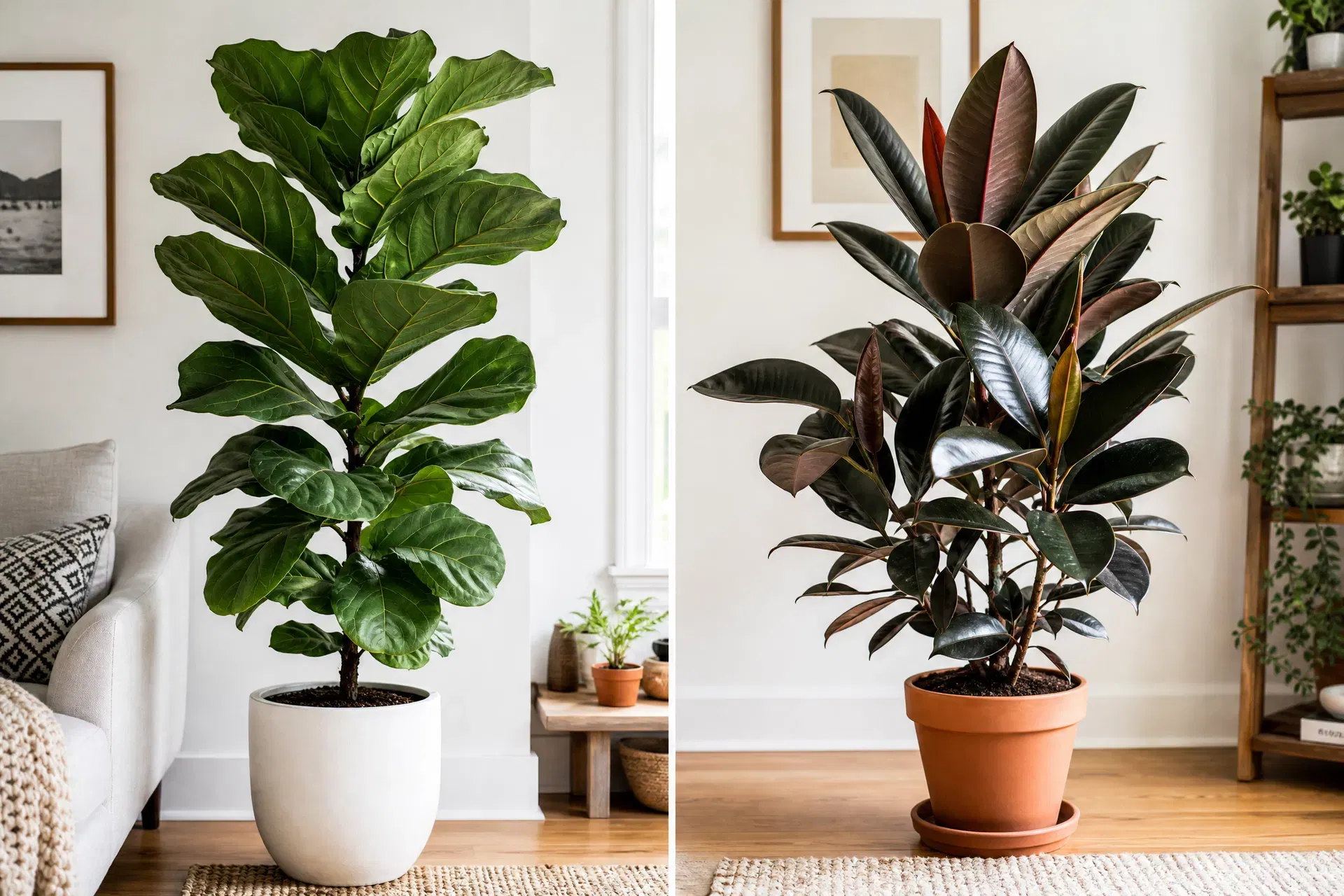
An app should not be your only source for deciding whether a plant is edible, medicinal, toxic, or safe around pets and children. Some plants look alike, and an incorrect guess could matter. Confirm safety information with a qualified expert or trusted, relevant source before acting on it.
Plant ID is only part of plant care
Knowing a plant’s name gives you a useful starting point, but it doesn’t tell you everything about its needs. Light, watering, room conditions, and signs of pests or disease all matter. A useful app can help you move from “What is this?” to “What should I do next?”
Botanical Wiz combines photo-based plant identification with care guidance and suggestions about possible plant-health concerns. It can return likely matches and confidence information, then offer care steps. A photo alone cannot confirm every pest, disease, or nutrient problem; compare the suggestions with your plant, soil, roots, and growing conditions.
For everyday use, access is simple: no account or sign-up is required to try the plant tool. Free access and an optional Pro plan are available. See the pricing details before choosing an upgrade.
If you’re trying to find plants that suit a particular room, Room Analysis uses a room photo to assess lighting and suggest plant options and placement ideas. You can also browse Botanical Wiz’s plant care guides for practical help with individual plants.
Make the app work for you
A plant identification app is most useful when you pair its quick suggestions with a little observation. Take a clear photo, compare the suggested features, and gather another view when the answer isn’t obvious. Use care advice as a starting point, then pay attention to how your plant responds at home.
Want to try it with a plant you already own? Upload a photo to Botanical Wiz, with no sign-up needed to get started. Check the current plan details for allowances and optional Pro features.
Sources
Comments
0 comments
Sign in to join the conversation and share your plant knowledge.
Related Posts
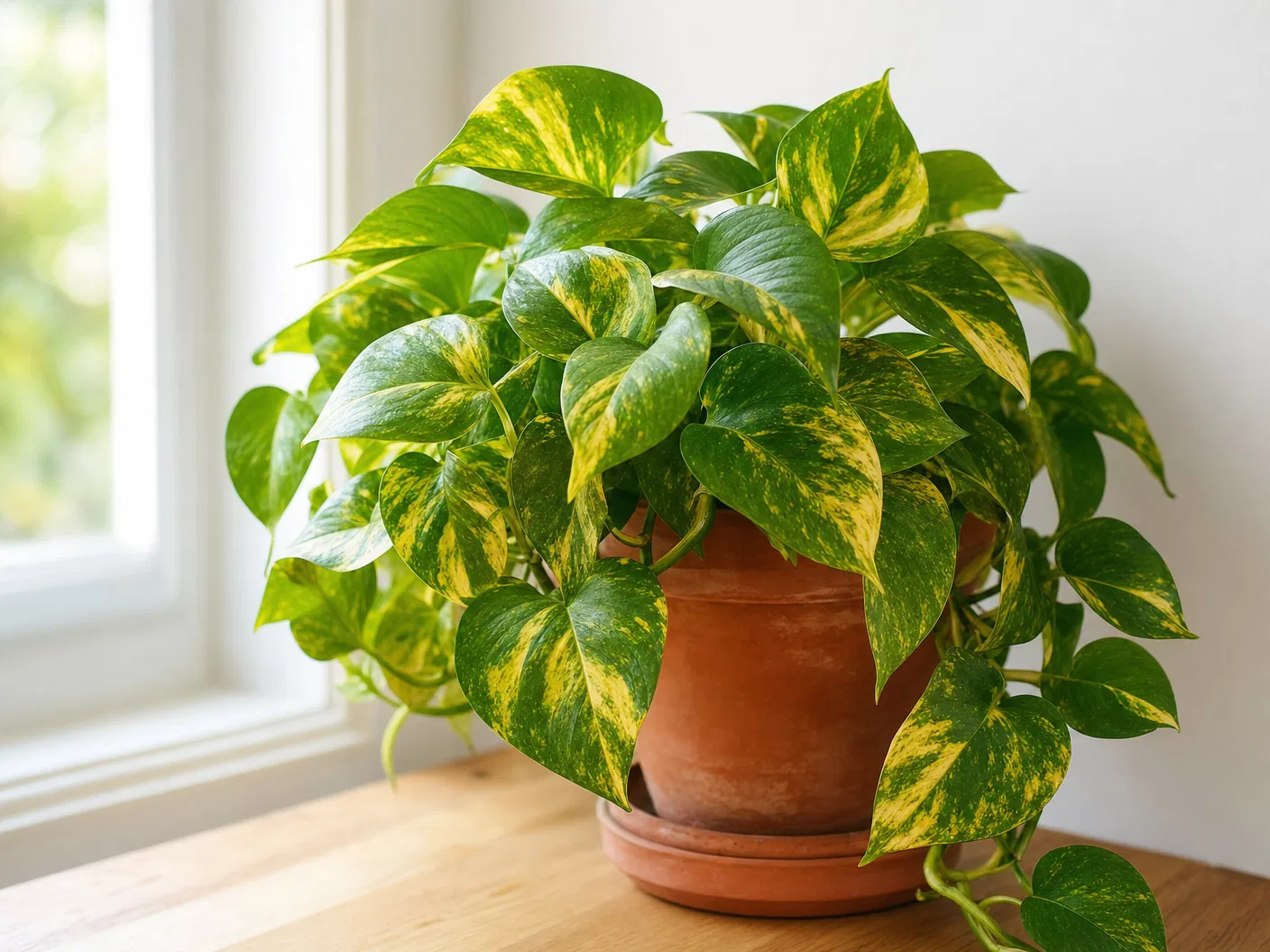
Golden Pothos Care Guide: The Ultimate Beginner-Friendly Houseplant
Everything you need to know about growing and caring for Golden Pothos (Epipremnum aureum) — the most forgiving, beautiful, and versatile houseplant you can own.
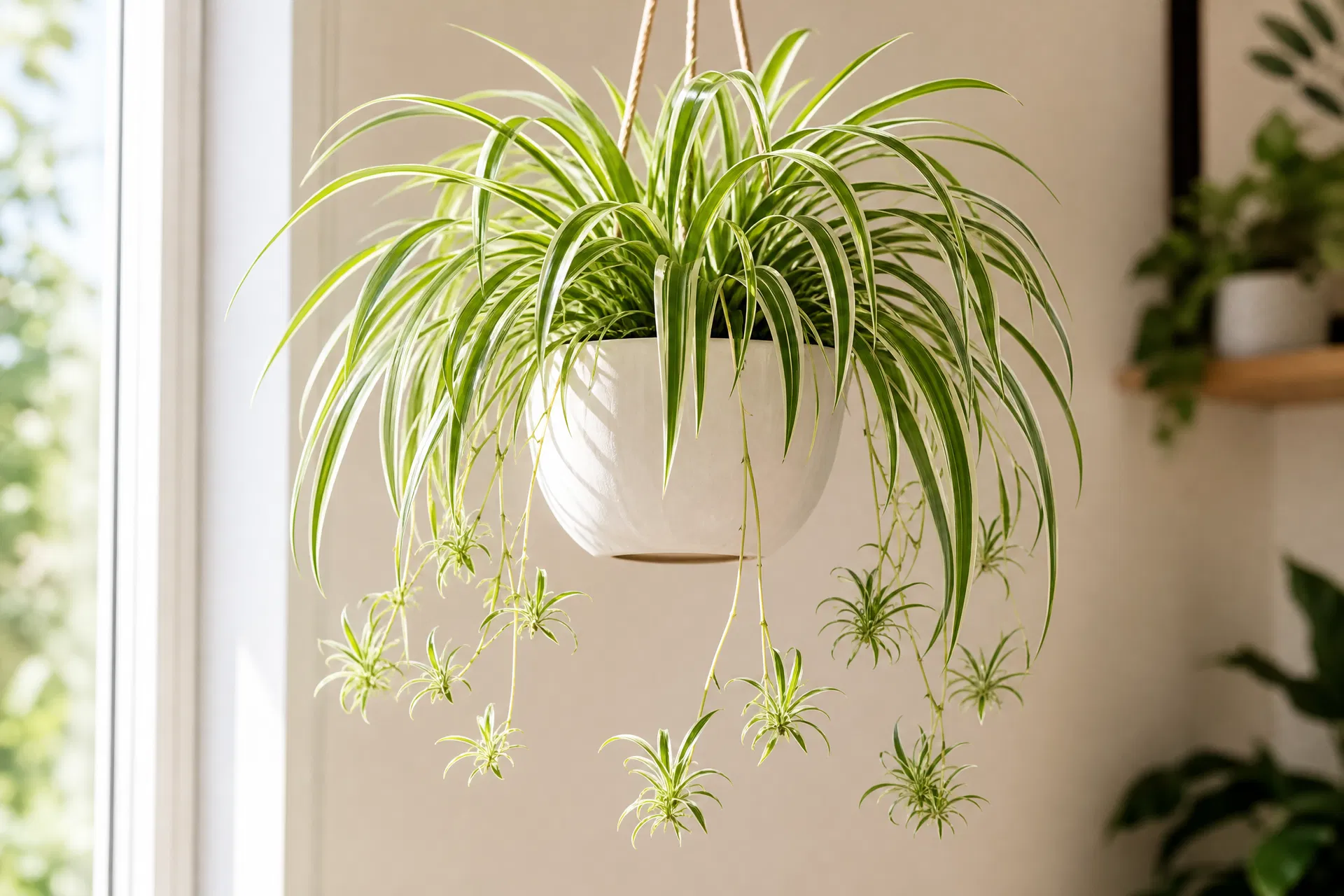
Top 5 Pet-Safe Houseplants: Beautiful Greenery Without the Risk
Sharing your home with cats or dogs? These 5 stunning houseplants are completely non-toxic to pets — and they are just as beautiful as the toxic ones everyone else is growing.
7 Mistakes You're Making When Watering Plants (and How to Fix Them)
Avoid seven common houseplant watering mistakes with plant-specific soil checks, good drainage, and a simple routine that adjusts to your home and the seasons.